

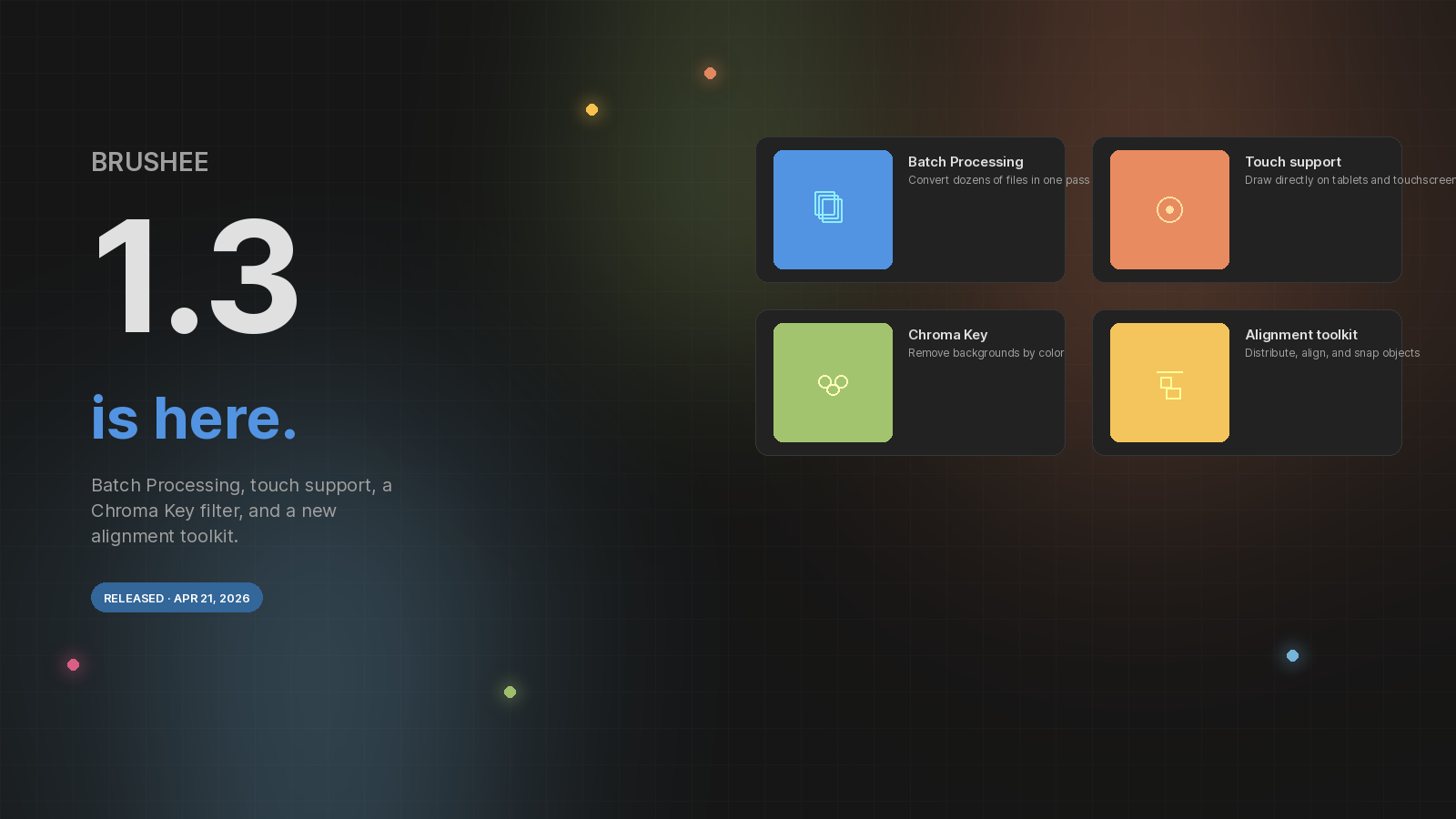
Brushee 1.3 is our biggest update since launch. Four headline features land together, each aimed at one thing: letting you move faster without fighting the tools.
Batch Processing
A new Batch Convert dialog lives under File → Batch Convert…. Drop a queue of images, build an ordered pipeline of operations — resize, crop, rotate, brightness, hue/saturation, blur, sharpen, chroma key — and export the whole set to a ZIP or straight to a folder. Save the pipeline as a Process so your favorite recipes are one click away next time.
Touch & collapsible panels
The editor now handles touch input end-to-end, so tablets and 2-in-1 laptops feel as natural as mouse-driven sessions. To give the canvas more room, every edge panel has a small chevron tab — click it to collapse Tools, Layers, or Properties, and click again to bring it back. Your layout is remembered across sessions.
Chroma Key filter
Under Filters → Mask, Chroma Key knocks out pixels close to a chosen color — perfect for green-screen footage, solid backdrops, or matte colors. Tune Tolerance to control the key band and Feather to soften the edge, and pair it with Drop Shadow to get an alpha-accurate shadow after the key is pulled.
Alignment & Spacing
Select two or more objects and the Properties panel swaps in three new sections:
- Alignment — H and V rows for left/center/right and top/middle/bottom, with an Align to picker (Selection, First, Last, or Canvas).
- Distribute — set an exact gap with H-Space / V-Space, leave it blank for even distribution, or type a negative number to flow from the other side.
- Arrange in Grid — reflow the selection into columns with your own gaps, aligning by edges or centers.
Everything goes through undo, so you can explore without fear.