

Guides
Step-by-step tutorials to help you get more out of Brushee.
 GUIDE
GUIDE
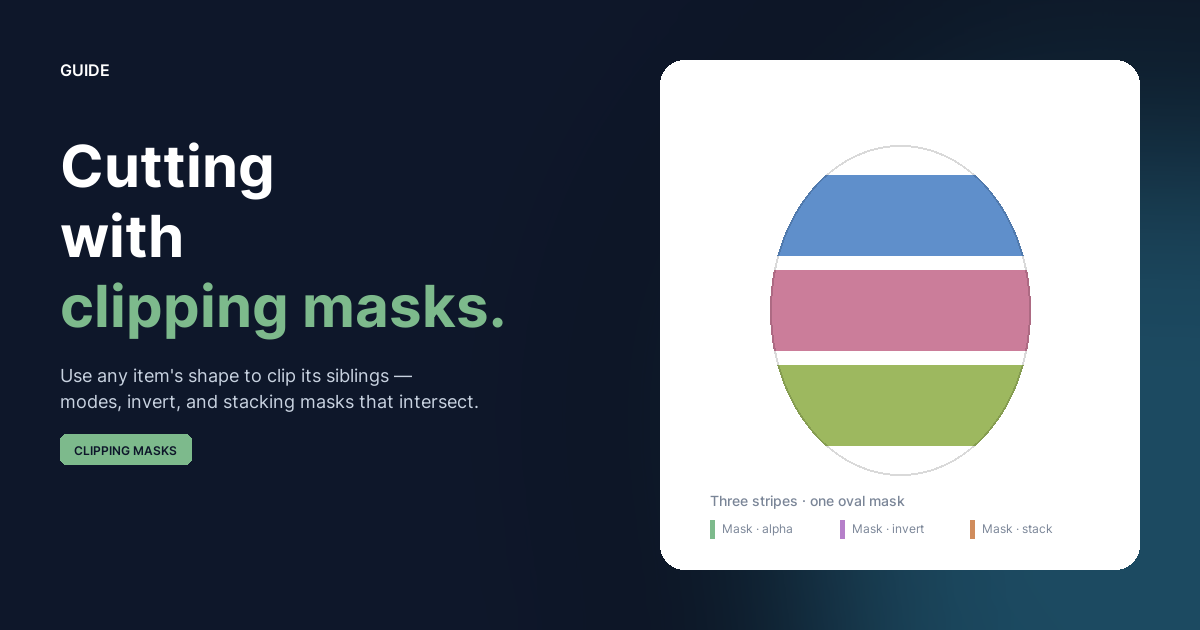
Clipping Masks
Convert any item or group into a clipping mask and have it shape every sibling beneath it. Three modes, an invert toggle, and stacking masks that intersect — without ever flattening anything.
 GUIDE
GUIDE
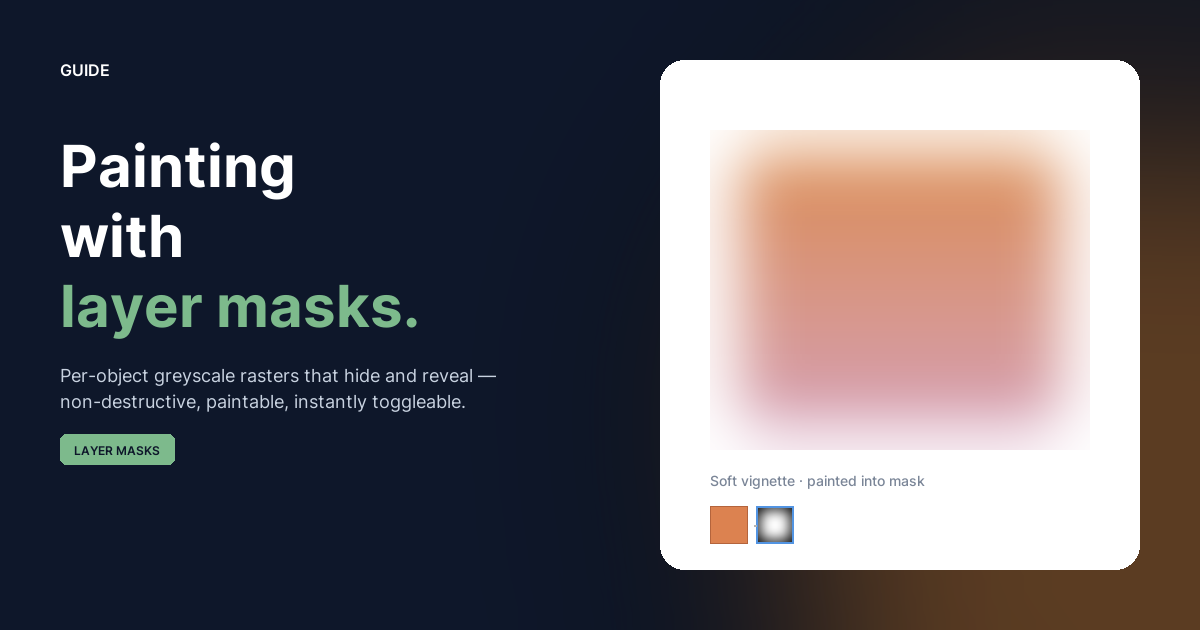
Layer Masks
Paint into a per-object greyscale mask to control where the object shows. White reveals, black hides, grey blends — and you can toggle, show, or remove the mask without ever flattening the artwork.
 GUIDE
GUIDE
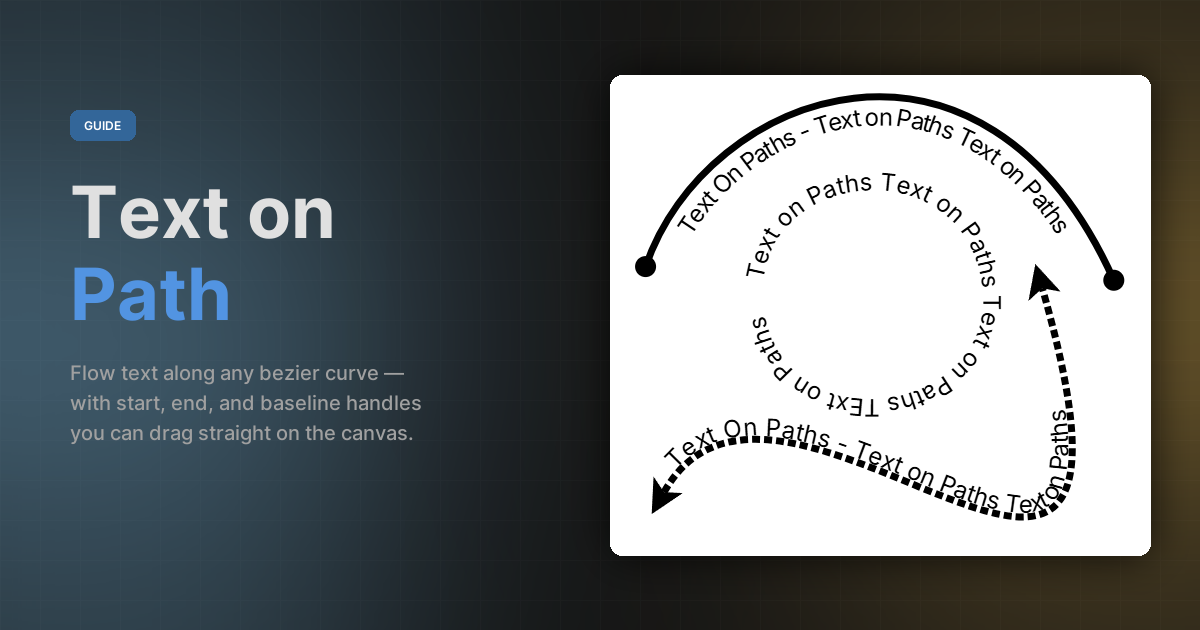
Text on Path
Flow text along any bezier curve — from straight lines to compound shapes — with start / end / baseline handles, in-place editing, and filters that follow the glyphs.
 GUIDE
GUIDE
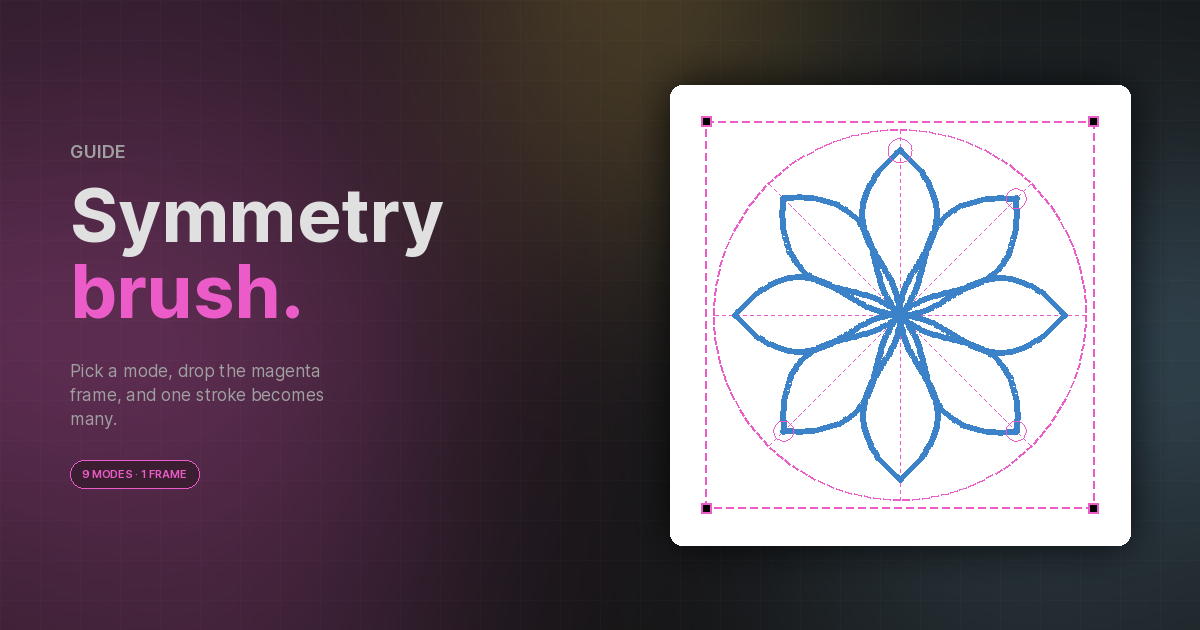
Symmetry Brush
Mirror, rotate, and multiply every brush stroke through a movable symmetry frame — nine modes covering everything from a simple left/right mirror to multi-arm spirals and circle inversion.
 GUIDE
GUIDE
Batch Conversion
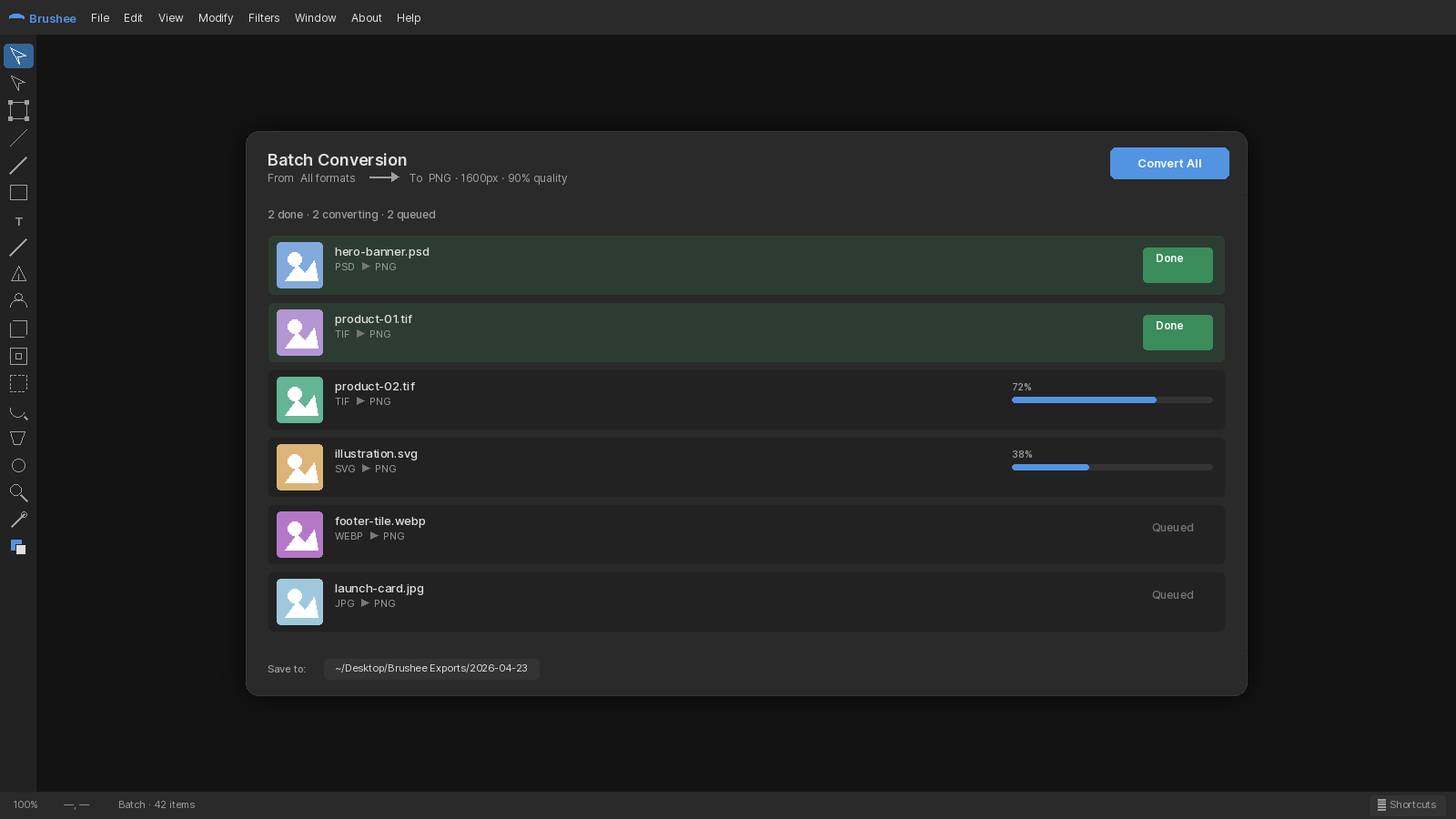
Drop a queue of images, build a pipeline of operations, save a process — then export to a ZIP or straight to a folder.
 GUIDE
GUIDE
Drawing with Stencils
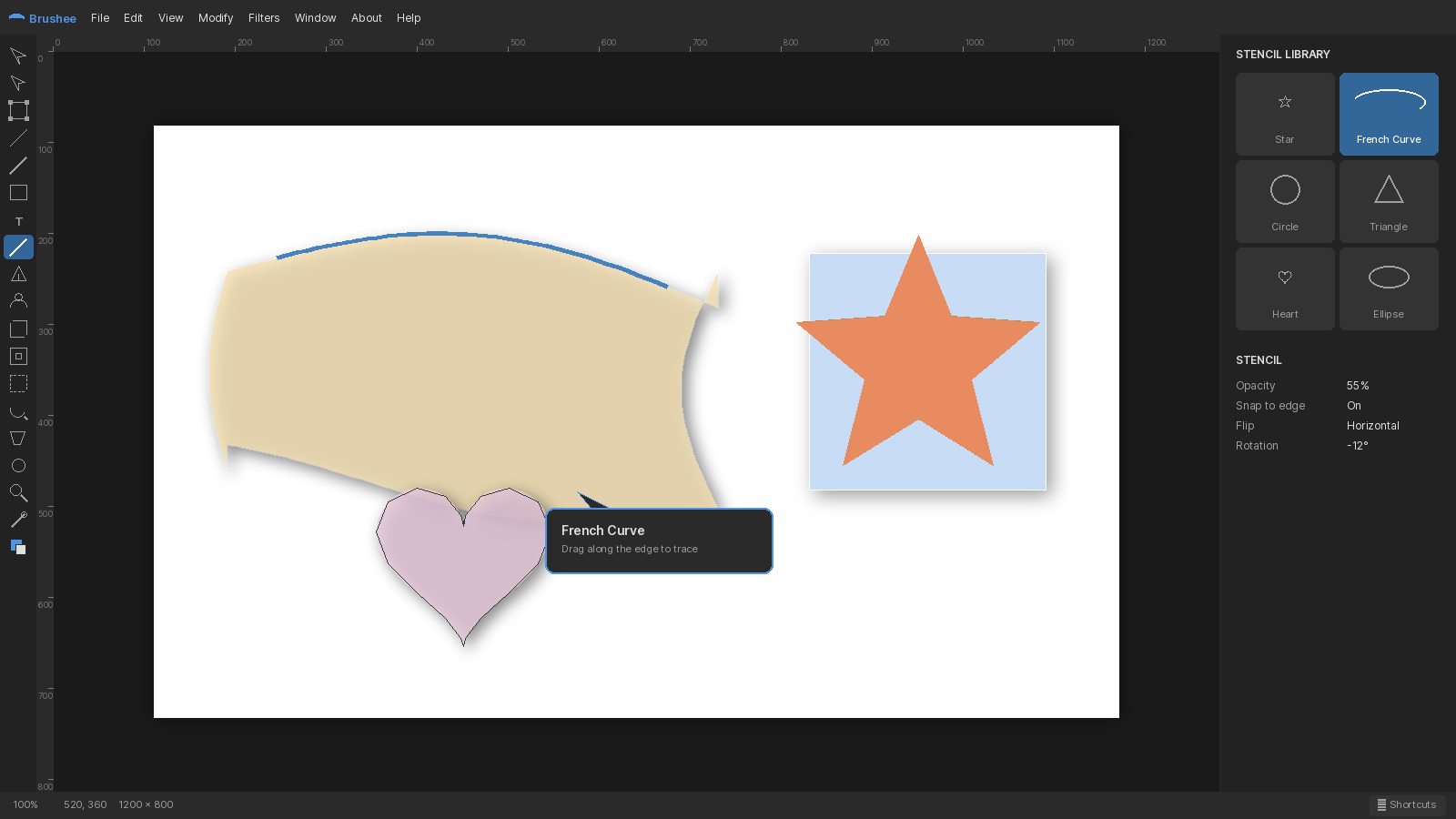
Constrain paint with Hole and Block stencils — and pull a French curve out for a drafting-style swoop.
 GUIDE
GUIDE
Smart Shapes
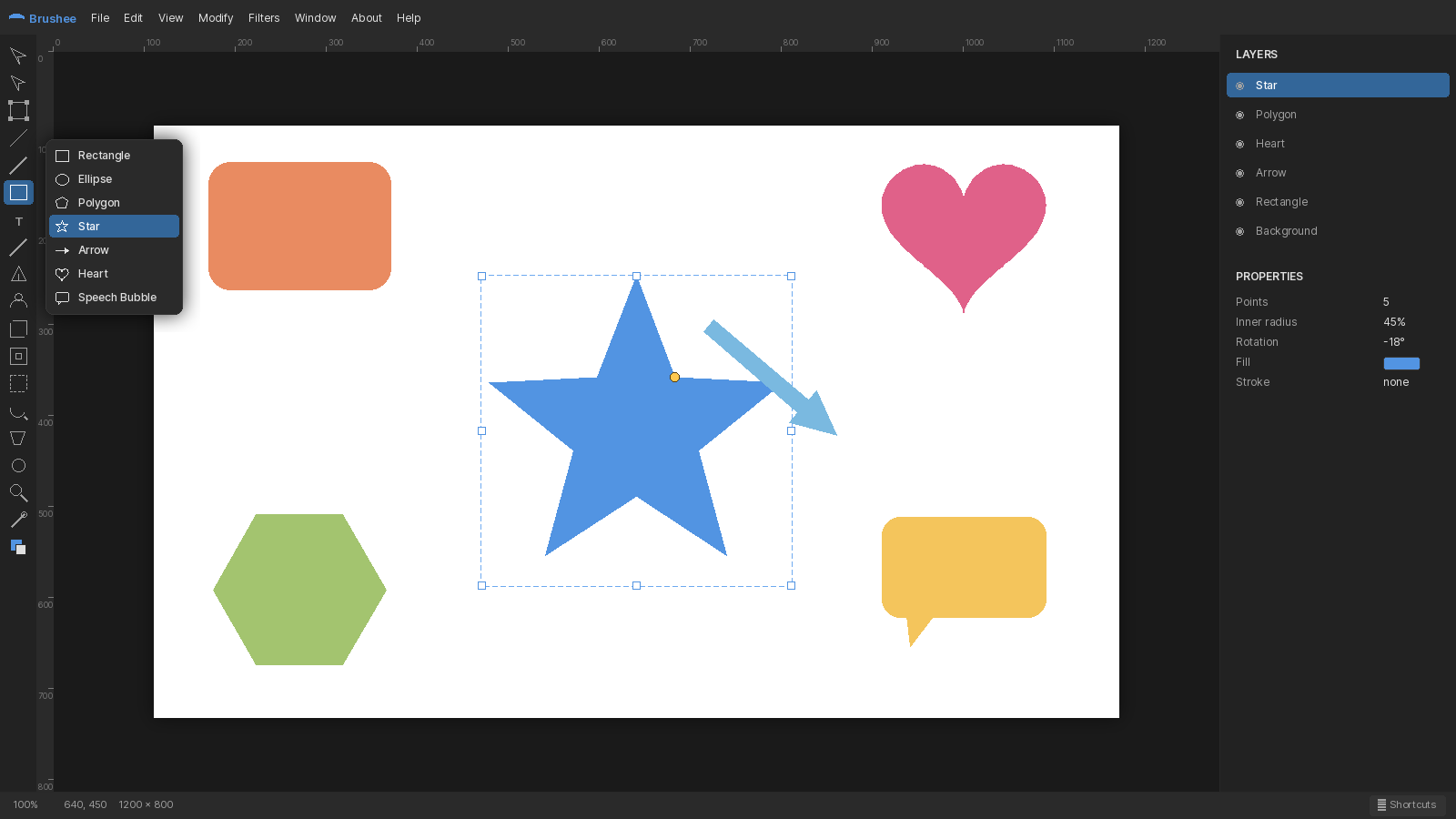
Live, parametric shapes with yellow diamond handles — tweak corner radius, sides, points, and more without leaving the canvas.
 GUIDE
GUIDE
Path Editing
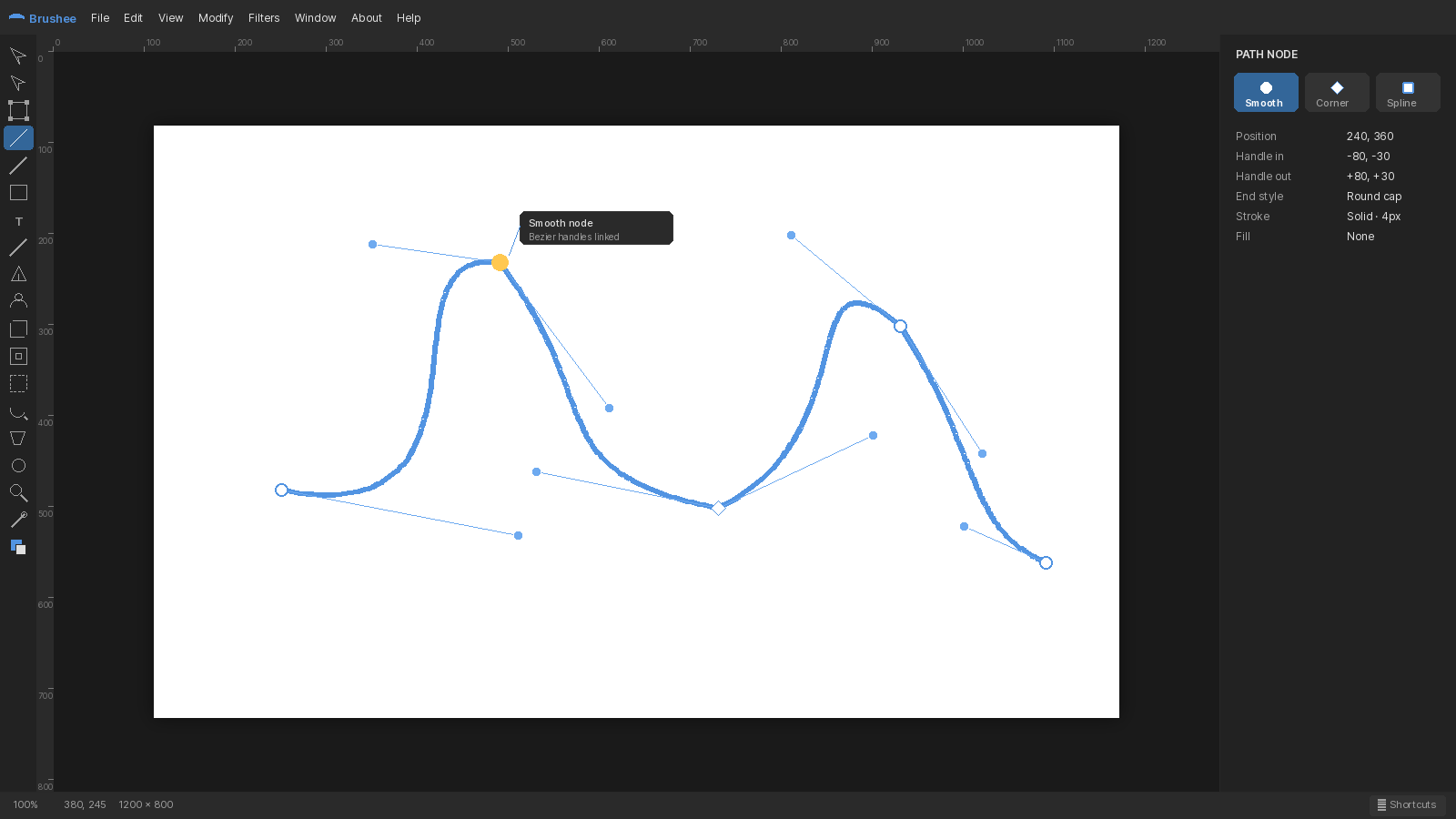
Nodes, handles, and six node types — how to edit bezier paths with the Subselect tool.