Updates
Fixes, tweaks, and small improvements shipping to Brushee.
 NEW
NEW
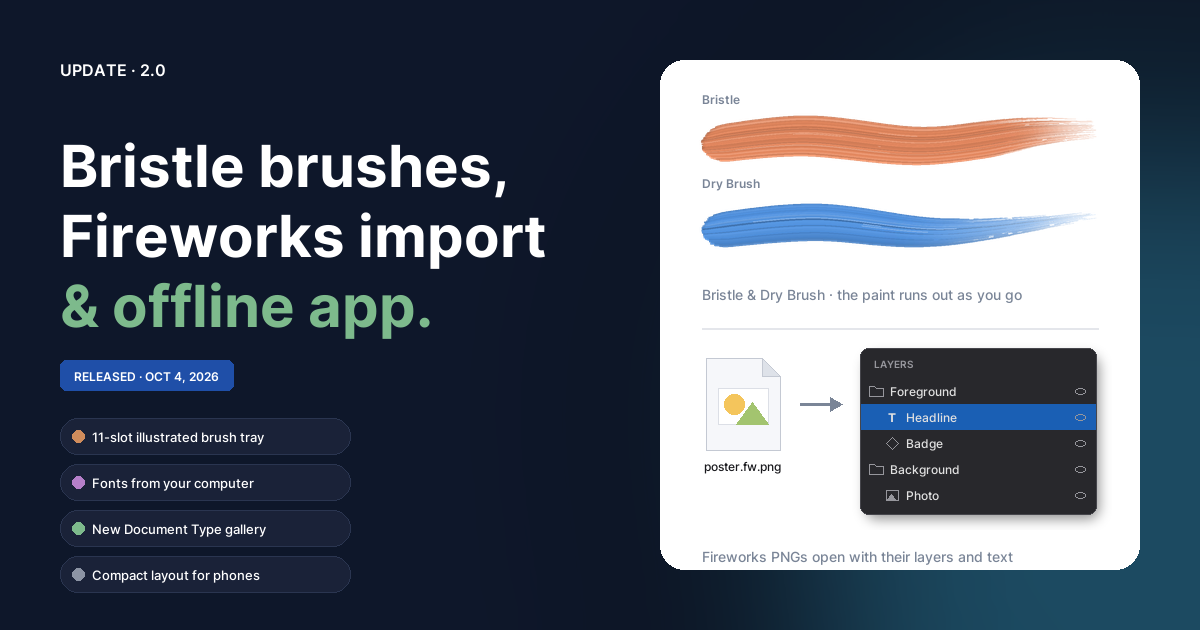
2.0 — Bristle brushes, Fireworks import, an app that works offline
Bristle and Dry Brush paint styles with paint that runs out, an 11-slot illustrated brush tray, layered Adobe Fireworks PNG import with inside / outside strokes, local and installed fonts, a New Document Type gallery with safe-zone guides, offline support and installation, and a compact layout for phones. Plus fixes for rotated bitmaps and rotated paths.
 NEW
NEW
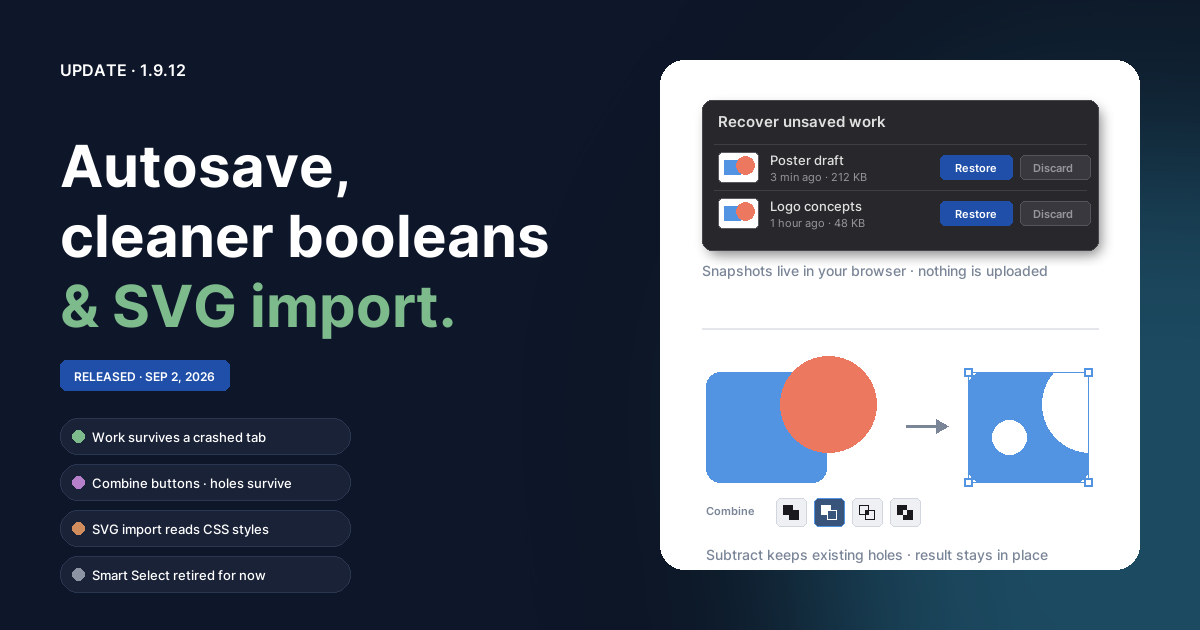
1.9.12 — Autosave, boolean polish & CSS-aware SVG import
Unsaved work now survives crashed or refreshed tabs, boolean Combine gets its own buttons in the Properties panel and keeps holes through chained operations, SVG import finally reads stylesheet colors, and SVG export ships text as real outlines. Smart Select has been retired for now.
 NEW
NEW
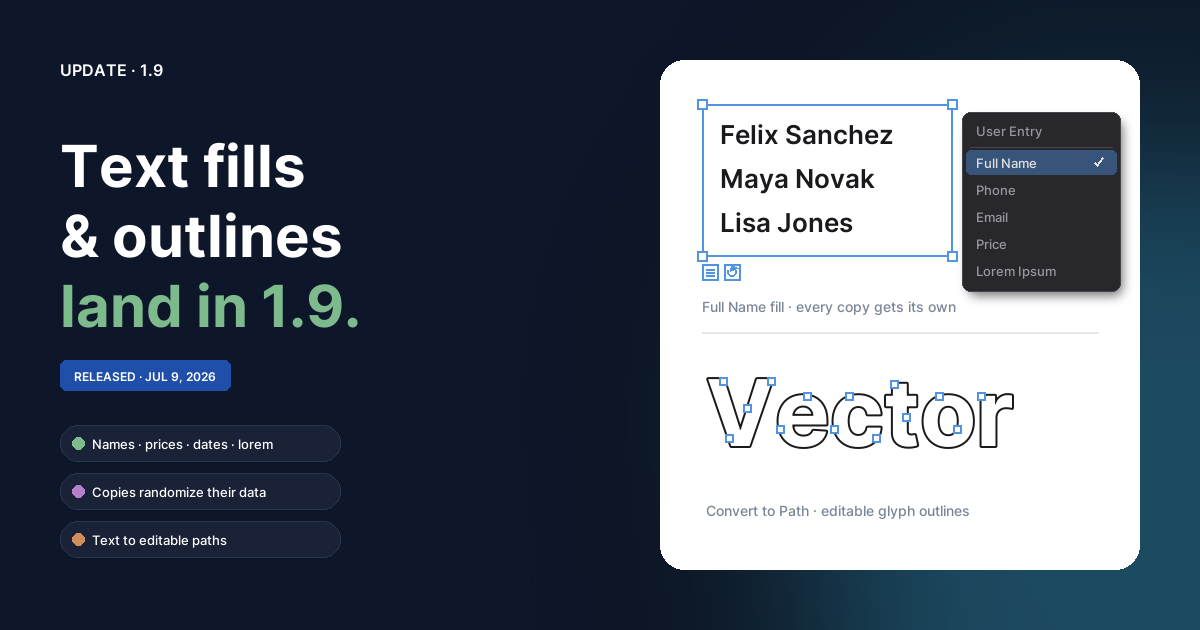
1.9 — Text fills & text to paths
Bind any text box to a content generator — names, addresses, prices, dates, lorem — with one-click reload, and copies that randomize themselves so mock layouts fill with varied data. Plus Convert to Path now turns text into editable vector outlines, and text frames get fixed heights, vertical alignment, and smarter scaling.
 NEW
NEW
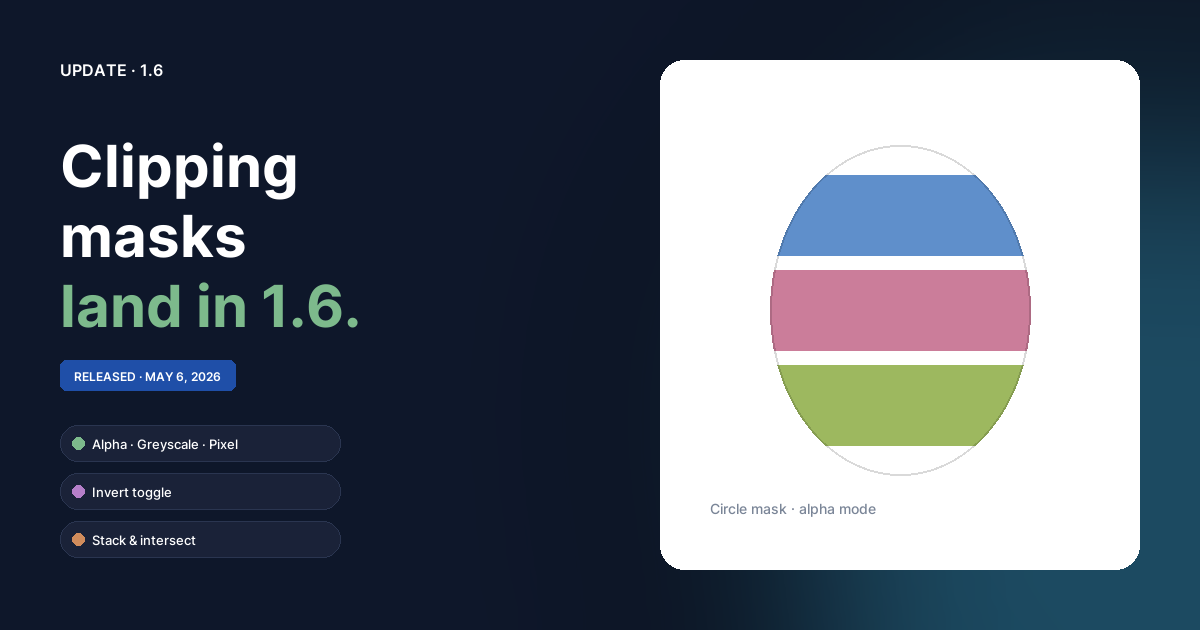
1.6 — Clipping masks
Convert any object or group into a clipping mask and have it shape every sibling beneath it. Three clipping modes (alpha, greyscale, pixel), an invert toggle, and stacking masks that intersect — each one tagged with its own color stripe so you can read the layer panel at a glance.
 NEW
NEW
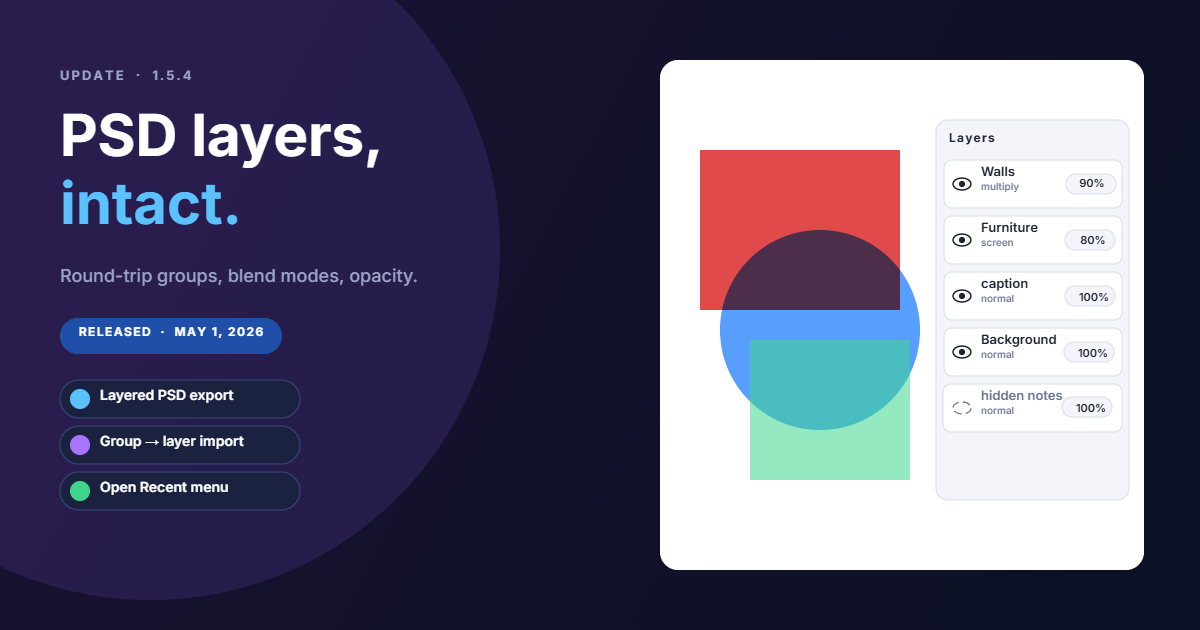
1.5.4 — Layered PSD import & export, Open Recent
Photoshop documents now round-trip with their group hierarchy, blend modes, and per-layer opacity intact — and the File menu remembers the last 20 files you opened or saved.
 NEW
NEW
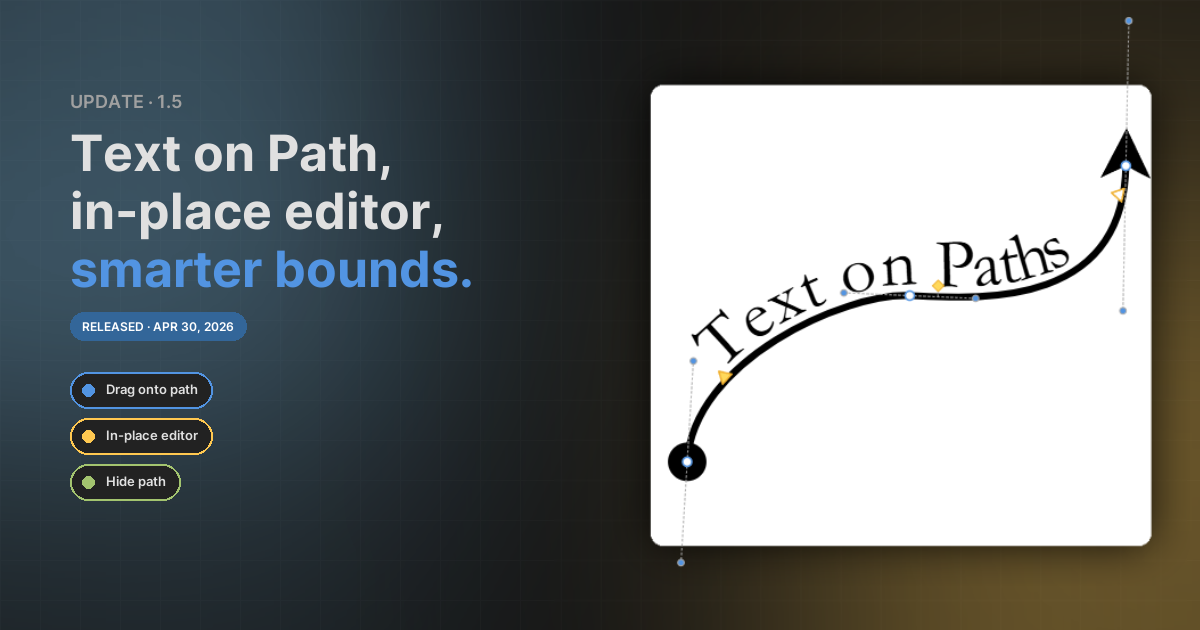
1.5 — Text on Path, in-place text editor, smarter selection bounds
Flow text along any bezier curve with Affinity-style start / end / baseline handles, drag a text object onto a path to attach it in one motion, and a fully rewritten in-place text editor that types on the canvas instead of in a floating overlay.
 NEW
NEW
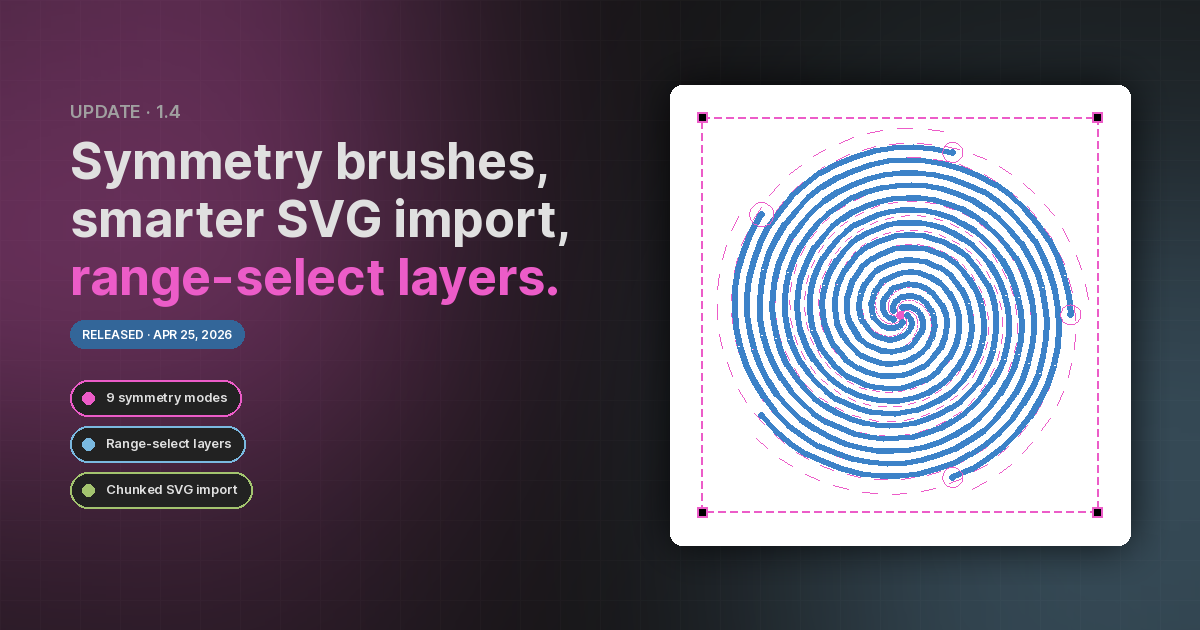
1.4 — Symmetry brushes, smarter SVG import, range-select layers
A nine-mode symmetry brush that mirrors and multiplies every stroke, an SVG importer that no longer freezes the app on big files, and Shift / Ctrl modifiers in the Layers panel for the selection workflow you already know.
 NEW
NEW
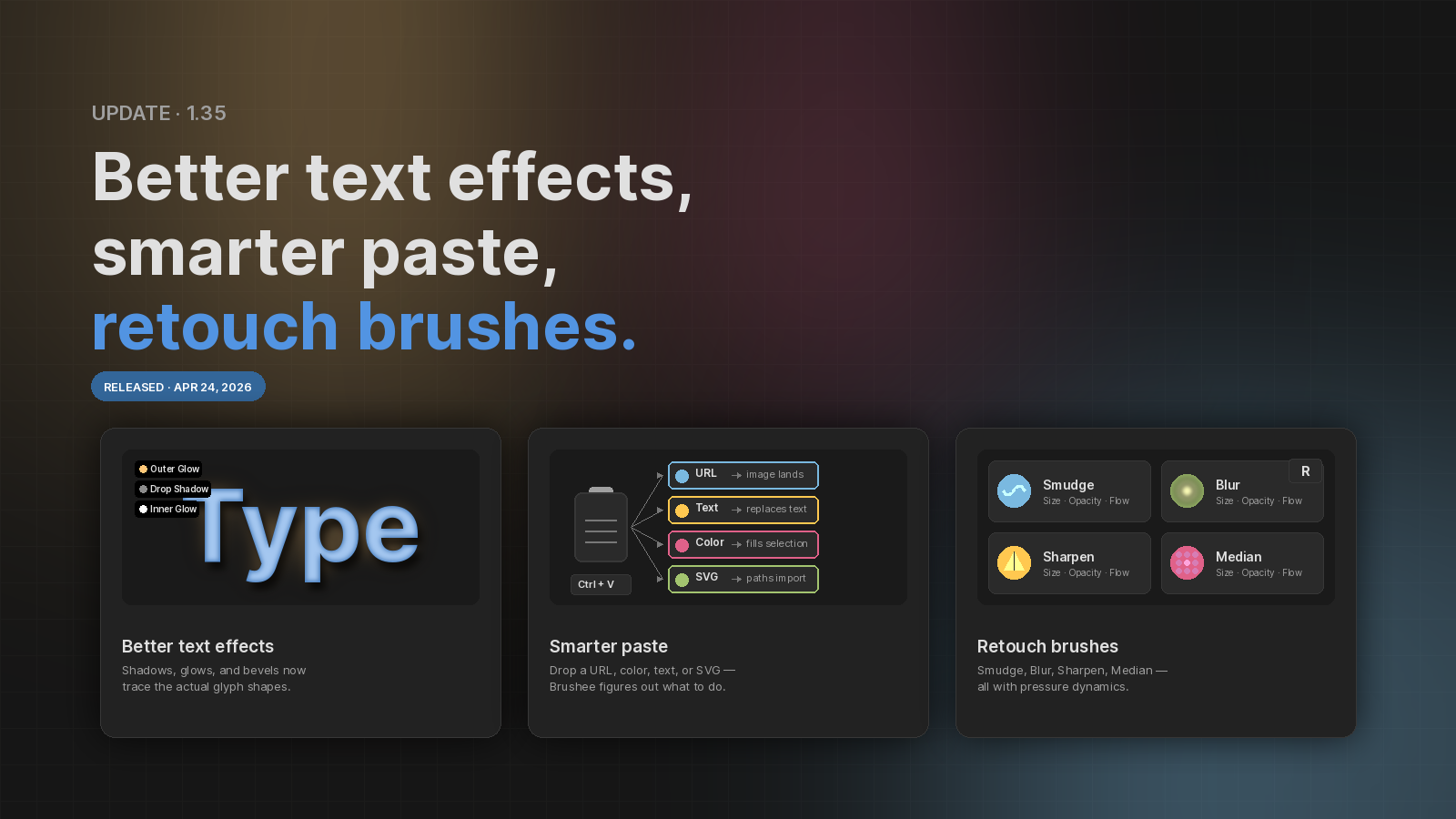
1.3.5 — Better text effects, smarter paste, retouch brushes
Text filters now hug the glyphs, paste understands URLs and color codes, SVGs import as paths, and four new retouch brushes land in the bitmap flyout.
 NEW
NEW
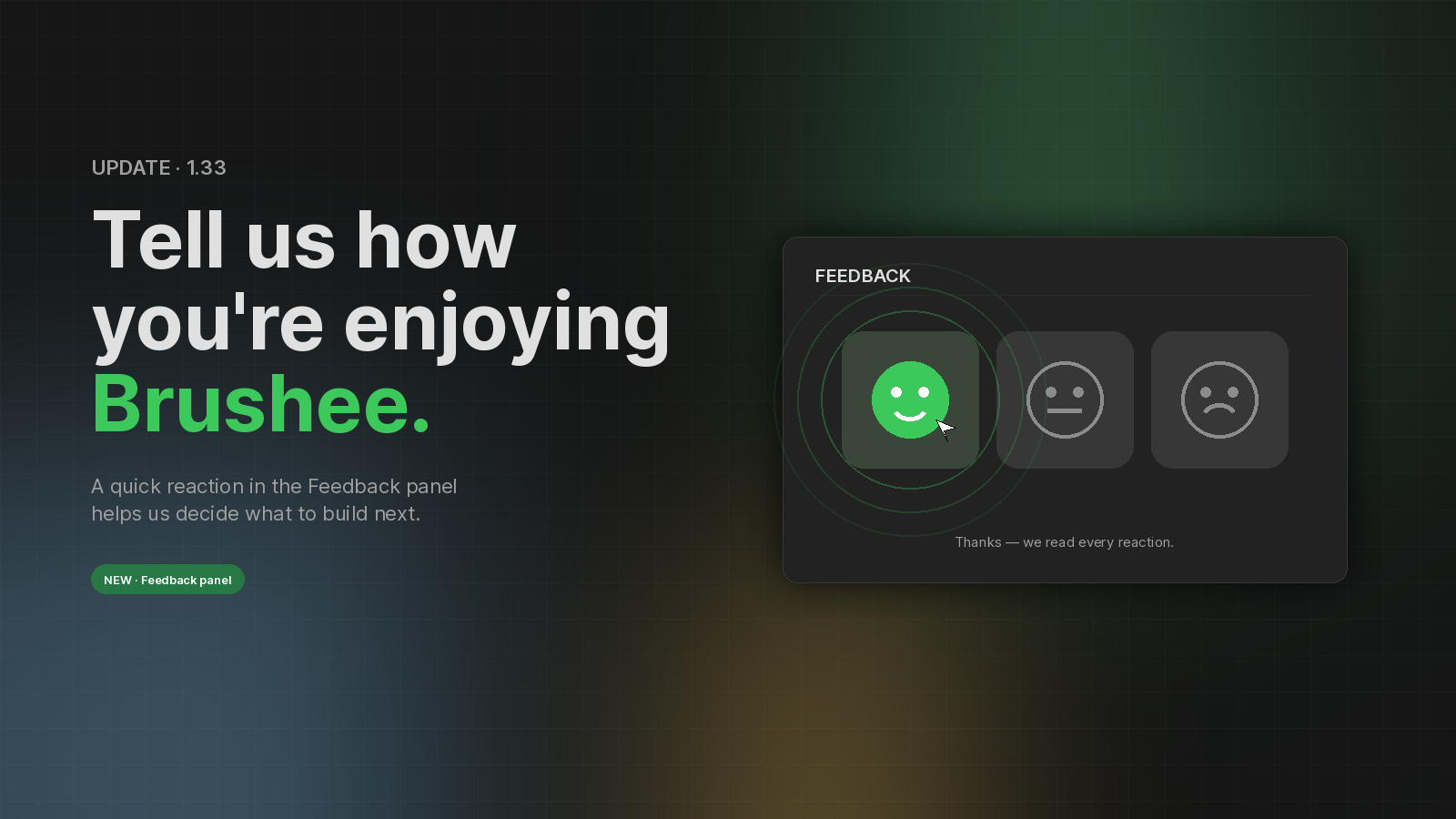
1.3.3 — Tell us how you're enjoying Brushee
A new in-editor feedback tool so you can send us pulse ratings and notes without leaving your canvas.
 TWEAK
TWEAK
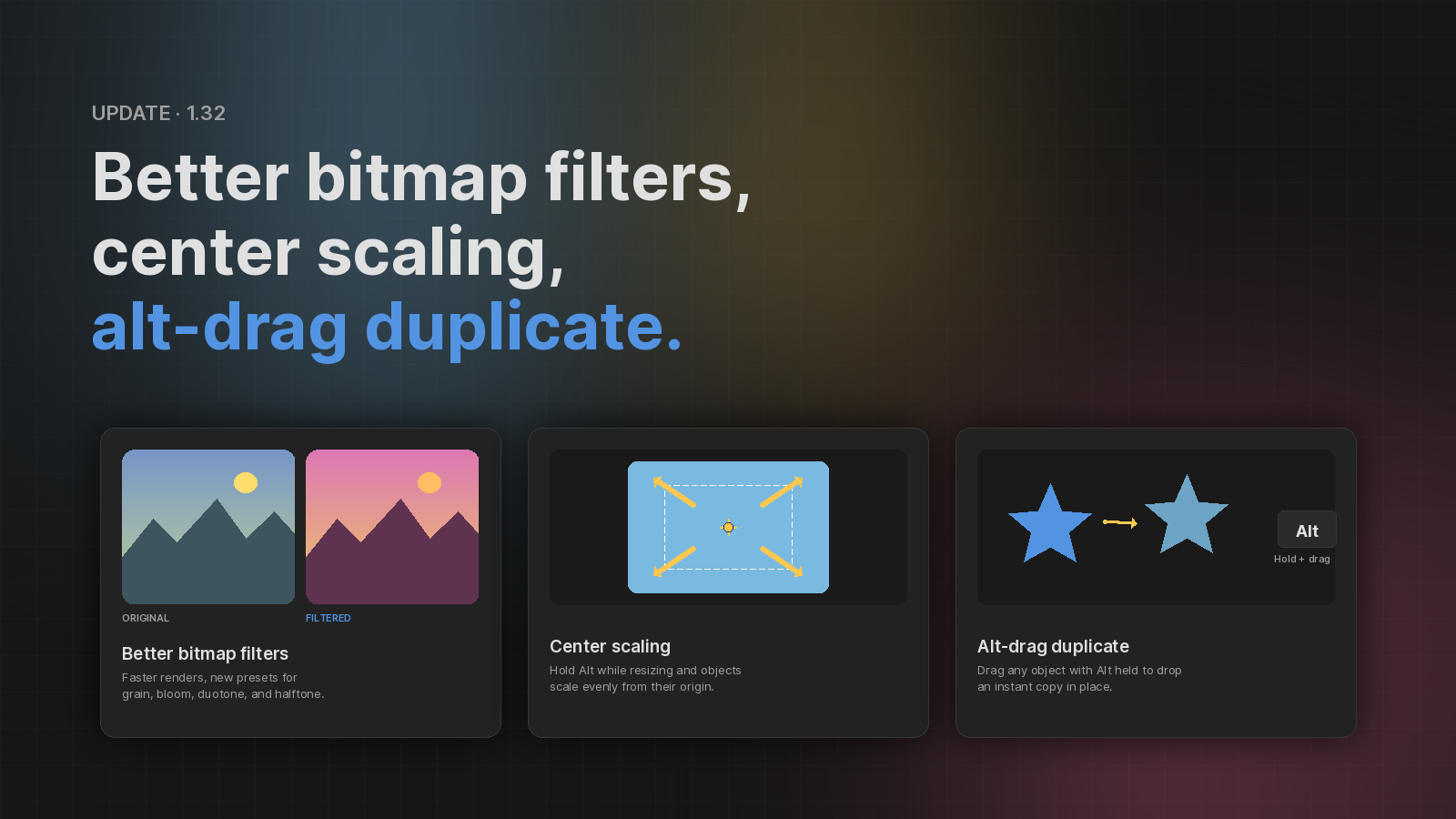
1.3.2 — Better bitmap filters, center scaling, alt-drag duplicate
Alpha-accurate shadows and glows on bitmaps, scale from center with Alt, and one-step duplicates via Alt-drag or the context menu.