

Layered PSD export
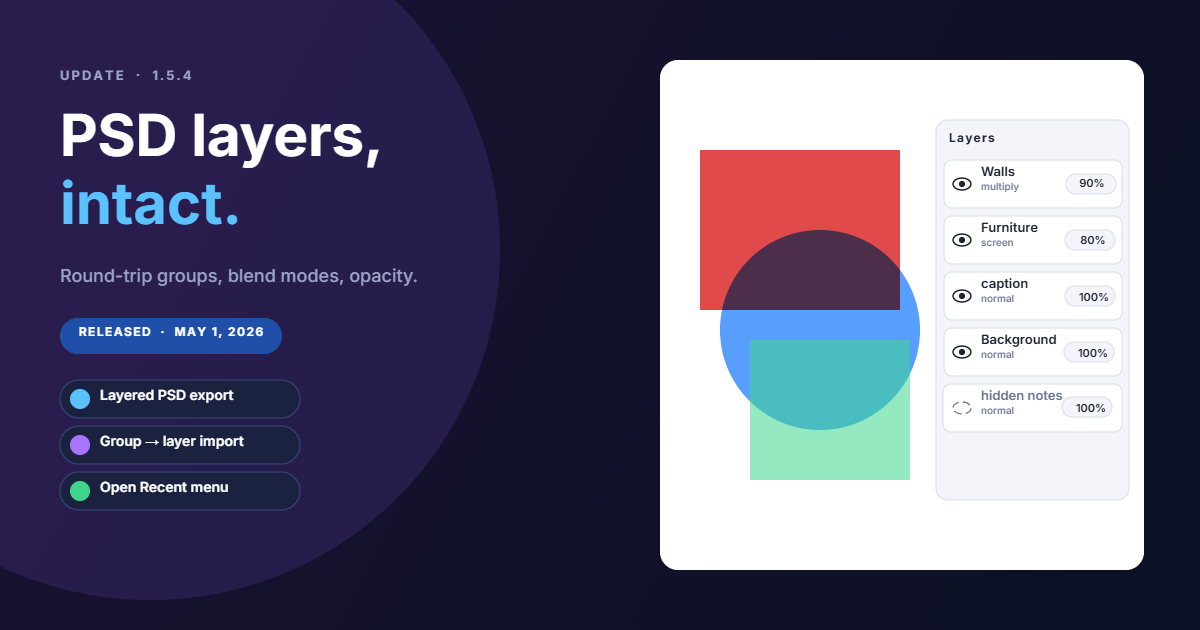
PSD export used to flatten everything into a single layer. It now writes one PSD layer per Brushee layer, rasterised and trimmed to its content bounds, with name, visibility, opacity, and blend mode preserved. Multiply, screen, overlay, soft / hard light, color burn / dodge, difference, exclusion, hue / saturation / color / luminosity all map straight back to PSD's own mode strings, so a Brushee layer set to Multiply lands in Photoshop set to Multiply.
A few details worth knowing:
- Object-level opacity / blend mode bake into each layer's pixels, because PSD has no per-object analogue. Layer-level opacity and blend mode stay editable.
- Hidden Brushee layers are still written, just marked hidden — open the file in Photoshop and toggle the eye icon to bring them back.
- Opaque background mode prepends a flat Background layer so you can recolour or delete it independently of the artwork. Transparent exports skip it.
- Composite preview is built from the per-layer canvases respecting blend / opacity, so non-Photoshop viewers (Preview.app, Finder thumbnails) show what Photoshop will reconstruct.
What we explicitly don't try to translate: vector paths, text, gradient fills, and filters. Each one is a real PSD feature, but getting any one of them subtly wrong tends to be worse than rasterising — the user opens it in Photoshop and sees something different than Brushee rendered. Layered raster covers ~90% of why people want a PSD (per-layer masking, repositioning, blend tweaks); vector / text fidelity is the remaining 10% and a much larger lift.
Smarter PSD import
Photoshop documents come in with their structure intact. Brushee maps the PSD's group hierarchy onto its own flatter layer model:
- Each top-level PSD group becomes one Brushee layer named after
the group. Every pixel leaf below it (no matter how deeply nested)
becomes an image object inside that layer, named with the path
relative to the group. So a PSD with
bioreactor / blades / blade 3andbioreactor / blades / blade 6imports as a single bioreactor layer holding two objects calledblades / blade 3andblades / blade 6. - A top-level leaf with no enclosing group becomes its own one-object layer.
- Visibility, opacity, blend modes all survive the trip — top-level group properties go on the Brushee layer, intermediate-group opacity multiplies into each leaf's object opacity, and the leaf's blend mode wins over its enclosing group's.
- Adjustment layers and zero-pixel layers are skipped (Brushee has no equivalent and the PSD reader doesn't rasterise adjustments).
File ▸ Open Recent
A new Open Recent submenu sits right under Open… in the File menu. It lists the 20 most recent files you opened or saved — Brushee projects, Photoshop documents, SVGs, raster images, all in newest-first order. Picking one re-reads from the original location.
Implementation notes for the curious:
- Recents are persisted in IndexedDB, not localStorage, because they
carry
FileSystemFileHandlereferences (handles are structured-clonable but not JSON-serialisable). Chrome / Edge / Opera / Brave all qualify; Safari and Firefox don't yet implement the File System Access API, so the menu stays empty there. - Chrome drops handle permission across page reloads, so the first click after a reload triggers a one-time "Allow this site to read the file?" prompt. Subsequent opens in the same session are silent.
- Drag-and-drop and the
<input type="file">fallback don't carry a handle, so files imported that way aren't added — they couldn't be silently re-opened anyway. - A Clear Recent entry at the bottom of the submenu wipes the list. Files that have been moved or deleted are pruned automatically when you click them.
Misc
- Help & guides updated to cover PSD import grouping, the new layered PSD export options, and Open Recent.
- More format coverage in the export options reference — GIF, BMP, TIFF, PSD, and PDF each list their format-specific controls.