
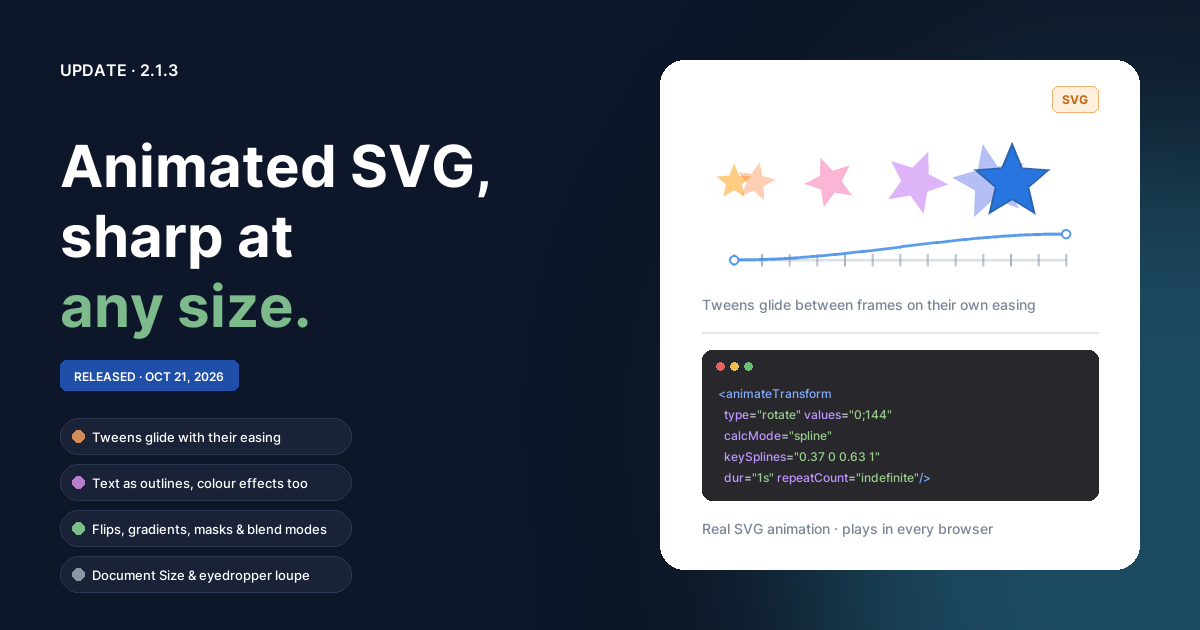
Everything since 2.1. The headline is a ninth animation format: Animated SVG, which plays in any browser, scales to any size without going soft, and makes tiny files for shapes and text.
Animated SVG
Animation ▸ Export Animation… has a new format, Animated SVG.
- Sharp at any size. Shapes, paths and text stay vectors, so the animation is as crisp on a 4K screen as on a phone. Text is written as outlines, so it looks the same on computers without your fonts.
- Tweens play smoothly. Instead of a picture per frame, a tween is one copy of each object whose position, size, rotation, opacity, colours and shape change over time. They glide between frames with the tween's own easing, rather than stepping from frame to frame. Back, Elastic and Bounce are sampled finely, Steps jump at each frame, and motion paths are followed frame by frame.
- Frame-by-frame animation works as well: each frame shows during its own time, and frames that are the same, such as a held pose, are written once.
- Colour effects animate — a sprite that flashes white or fades out does so in the SVG.
- Small files. Layers that are the same in every frame are written once, and so are images used more than once.
- It takes the loop count, a transparent background, and Pixel art, which keeps embedded images crisp when the SVG is shown bigger.
- The preview is the actual file, with its size. Painted frames are embedded as images, so a long painted animation makes a big SVG; when embedded images pass 1 MB the dialog says so and suggests APNG or WebP.
The file opens on its first frame in editors that don't play animation, instead of showing every frame on top of each other.
Better SVG export
File ▸ Export As… ▸ SVG shares the new writer, so still SVGs got better too:
- Flipped objects export flipped. They used to come out unflipped.
- Gradients — linear, radial and elliptical, on fills and strokes — export as gradients instead of no fill.
- Blend modes are kept, and a layer's opacity and blend mode apply to each object in it, the way the canvas draws them.
- Clip masks clip, in all three modes (Alpha, Greyscale and Pixel), inverted or not. They used to export as visible shapes.
- Dashed and dotted strokes, rectangles with different corner radii, rounded polygon corners and tapered lines export as they look.
- An image used more than once is written once.
- A layer name with quotes in it no longer breaks the file.
From 2.1.1 and 2.1.2
- Document Size (2.1.2). Modify ▸ Canvas Size (
Ctrl+Alt+C), Image Size (Ctrl+Alt+I), and Document Size… under W and H in the Properties panel open one dialog with a live preview:- Canvas Size changes the page in pixels or percent, with a 3 × 3 anchor for where the artwork sits. Artwork past the new edge is kept. Expand to Fit Content, Trim to Content and Trim to Selection are one click each.
- Image Size scales everything with the page — every object on every animation frame, hidden ones too, and the guides — with optional scaling of strokes, effects and text. Bitmaps are resampled Smooth, Bilinear or Nearest neighbor.
- The sizes from New Document Type are presets, and each change is one undo step.
- Eyedropper loupe (2.1.1). The Eyedropper (
I) shows a magnified view of the pixels under it, with the one it will pick outlined and its hex value underneath. It reads the document's own colours, so what the loupe shows is exactly what a click picks. - Typing a new W or H for the document is now an undo step.