

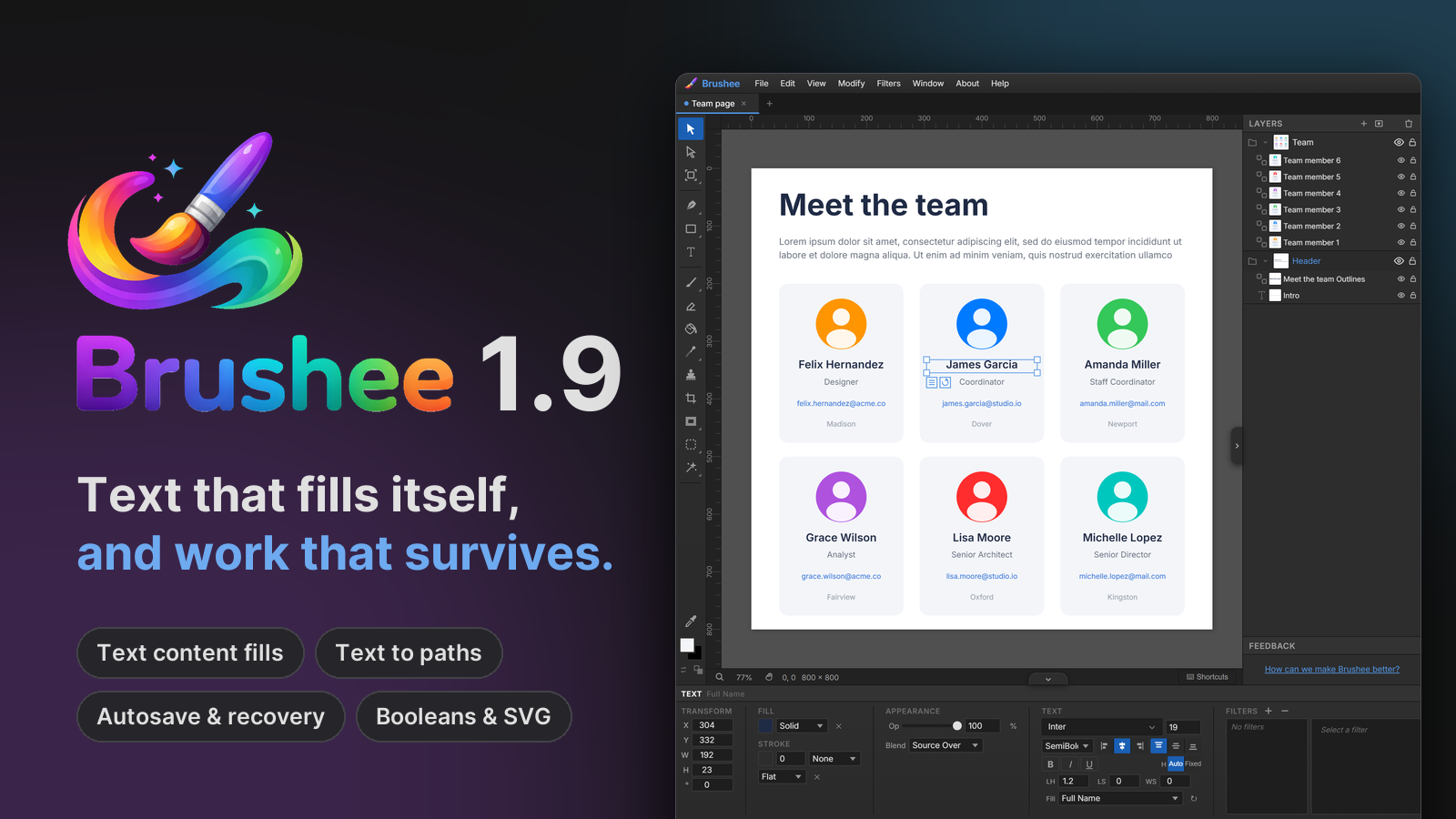
The 1.9 line has been shipping quietly since July, one patch at a time, and it adds up to the biggest set of changes since Brushee launched. This post rounds up the whole run, from 1.9 through 1.9.12.
Text boxes that fill themselves
Every text object can now be bound to a content fill — a generator that writes realistic placeholder text so a mock layout stops reading as "Text Text Text". Pick one from the Fill dropdown in the Properties panel, from the list chip that sits under a selected frame, or from right-click → Text Fill.
Generators cover people (names, usernames, emails, phone numbers, job titles, companies), places (addresses, cities, states, zips, countries), dates and times, numbers (prices, percentages, ratings), and long-form text (URLs, readable paragraphs, lorem ipsum). Hit the ↻ reload chip for a fresh value any time.
The part that makes it useful for real comps: copies bring their own
data. Duplicate, paste, or Alt-drag a filled text box and
every copy generates its own content. Fill one box, duplicate it nine
times, and you have ten different names. Lorem and Paragraph fills pack
words to fit the frame and re-fit when you resize it.
Text becomes paths
Modify → Convert to Path (Ctrl+Shift+P) now works on text.
It replaces a text object with a group of bezier paths built from the
font's actual glyph outlines, one compound path per letter, placed
exactly where the text rendered. Kerning, ligatures, and synthesized
bold or italic carry over.
Outlined letters are ordinary paths: reshape them with Subselect, cut them with the Knife, merge them with Combine, or clip an image into them. Files become font-independent, too — outlined text renders the same on a machine that never installed the font.
Text frames also grew up along the way: fixed-height frames with an overflow badge, vertical alignment, and corner-handle scaling that scales the type itself.
Your work survives a crash
Brushee keeps a recovery snapshot of every document with unsaved changes, written a couple of seconds after you stop editing and stored in your browser. If a tab crashes, gets discarded by the browser, or is closed with unsaved work, the next visit opens a Recover unsaved work dialog with thumbnails, names, and timestamps. Restore brings a document back as a new tab; Discard takes two clicks so a slip can't delete anything.
Snapshots are recovery copies only. Brushee still never touches a file on disk outside an explicit Save, snapshots are cleared when you save or after 14 days, and nothing leaves your machine.
Boolean combine, finished
- A Combine button group (Union, Subtract, Intersect, Exclude) now appears in the Properties panel whenever two or more compatible shapes are selected.
- Holes survive. Compound paths, whether an SVG letter "O" or the result of an earlier Subtract, keep their hole structure through further combines, so you can chain operations.
- Results take over the layer slot of the front-most shape you combined instead of jumping to the top, and combine respects true z-order rather than click order.
SVG in, SVG out
Illustrator, Inkscape, and most design tools export colors as CSS classes or inherited group styles. Brushee's importer used to read only presentation attributes, so those shapes arrived black. It now resolves paints through the CSS cascade, honors opacity, and falls back sensibly when a fill points at a gradient.
On the way out, SVG export ships text and text-on-path as real glyph outlines, so the file renders identically everywhere, and compound paths export with the right fill rule so their holes stay holes.
A sharper tracer
Trace Image to Vectors (introduced in 1.8) got a better preview in its dialog and cleaner output formatting, so it is easier to judge a trace before committing to it.
Fixes worth knowing about
- Layer reordering, path flipping, and several export edge cases were fixed in early July.
- The Eraser picks the last selected bitmap when nothing is selected, instead of doing nothing.
- Text with a stroke paints the stroke behind the fill again, so thin letterforms keep their interiors. Copying text that carries a glow no longer throws.
- Save As stamps the filename you picked into the file, so the tab shows the right name when you reopen it.
Smart Select retired for now
The AI-driven Smart Select subtool has been removed while we work on a faster approach. Magic Wand, Paint Select, Lasso, and Poly Select are unchanged.
Follow along
Every release now lands in an Atom feed as well as on the Updates page, so you can subscribe once and hear about the next one. The full patch-level notes for this run are in 1.9 and 1.9.12.