

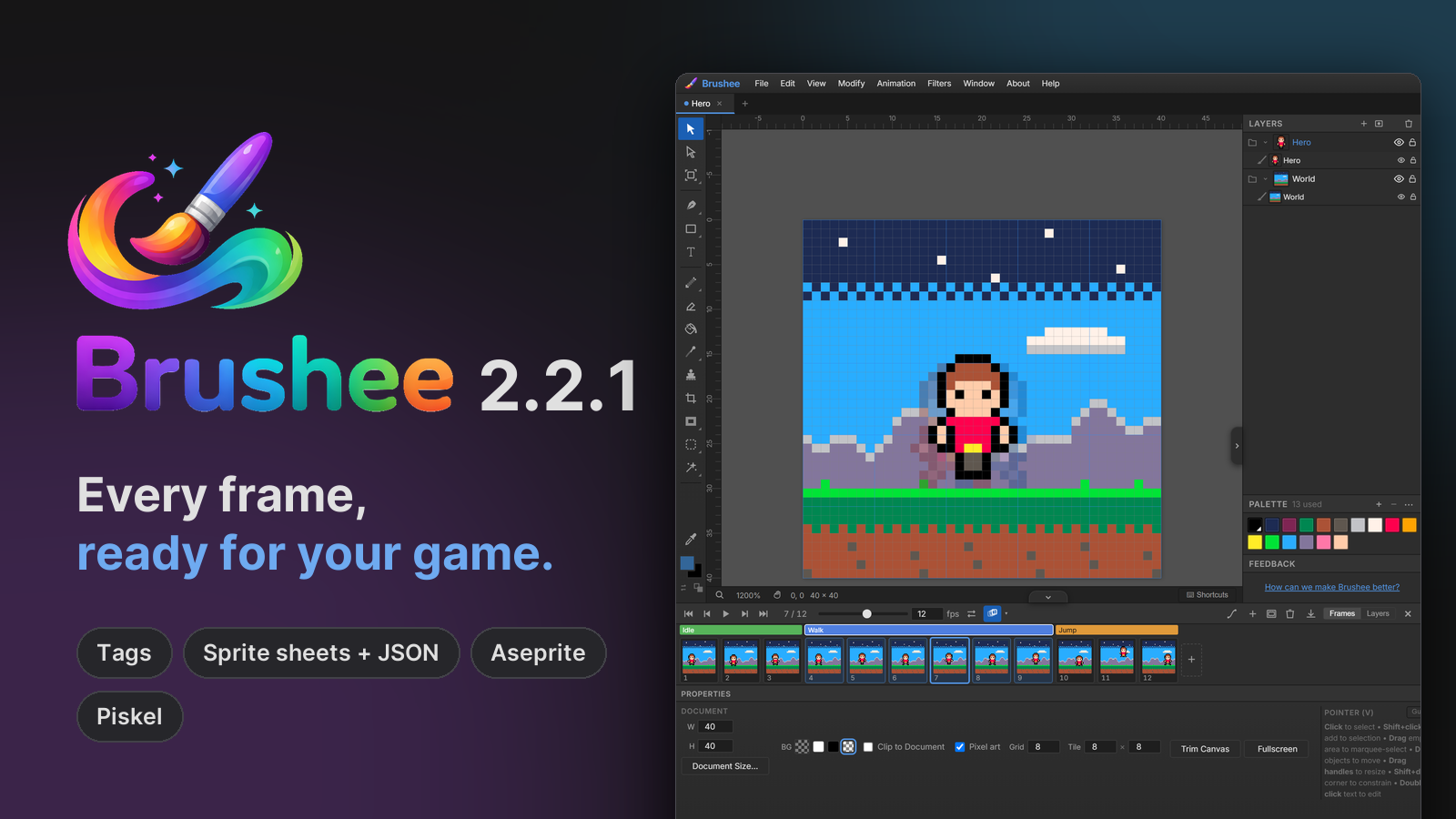
2.2 gave Brushee a pixel-art mode, and the Timeline from 2.1 already made those sprites move. 2.2.1 gets them into your game: tags for each animation, sprite sheets your engine can read, and Aseprite and Piskel files in and out.
Tags
A sprite usually holds several animations: idle, walk, jump, attack. A tag gives a run of frames a name. Select the frames in the Timeline and use Animation ▸ New Tag….
- A tag has a direction (forward, reverse, ping-pong, or ping-pong starting from the end), how many times it plays, and a colour.
- Tags show as coloured bars above the frames. Click one to select its
frames, then press
Enterto play them the tag's way. - Tags stay on their frames as you add, delete, move and reverse frames. A frame you add inside a tag, or just after it, joins it.
- Export Animation can export just one tag, so the walk cycle can be its own GIF.
Sprite sheets for games
Animation ▸ Export Animation… has a new format, Sprite sheet: every frame on one PNG, with a JSON file beside it in Aseprite's format. Phaser, PixiJS and many other game engines read it: where each frame is, how long it shows, and the tags.
- Lay the frames out in a strip, a grid, one row per tag, or packed tightly.
- Add a border, spacing and padding; trim each frame to its pixels; extrude edges so they don't bleed when the engine scales them.
- Frames that look the same share their pixels on the sheet.
- Make one sheet, one per tag, or one per layer.
Going the other way, File ▸ Import Sprite Sheet… cuts a sheet back into frames: by a grid you set, with a preview that numbers each frame, or by the sheet's Aseprite or TexturePacker JSON, which brings its durations and tags too.
Aseprite and Piskel files
Brushee now opens .aseprite and .piskel files: layers, groups,
frames, durations, tags and palette. Indexed and grayscale sprites open
in full colour, and tilemaps as the pixels their tiles make.
Export Animation saves both. An Aseprite file keeps layers with their opacity, blend modes and nesting, the frame durations, tags and palette; frames that hold the one before become linked cels, just as Aseprite makes them. Piskel files keep the layers and frames. Shapes and text are drawn into pixels.
So a sprite can start in Brushee and be finished in Aseprite, LibreSprite, Pixelorama or Piskel, or the other way round.
Learn more
The Pixel Art and Animation guides cover tags, sprite sheets and the new files, and Help ▸ Animation & Timeline has the details in the app. The full list of changes is in 2.2.1, and every release lands in the Atom feed and on the Updates page.
Brushee is still free, still needs no account, and still keeps your work on your own machine.