

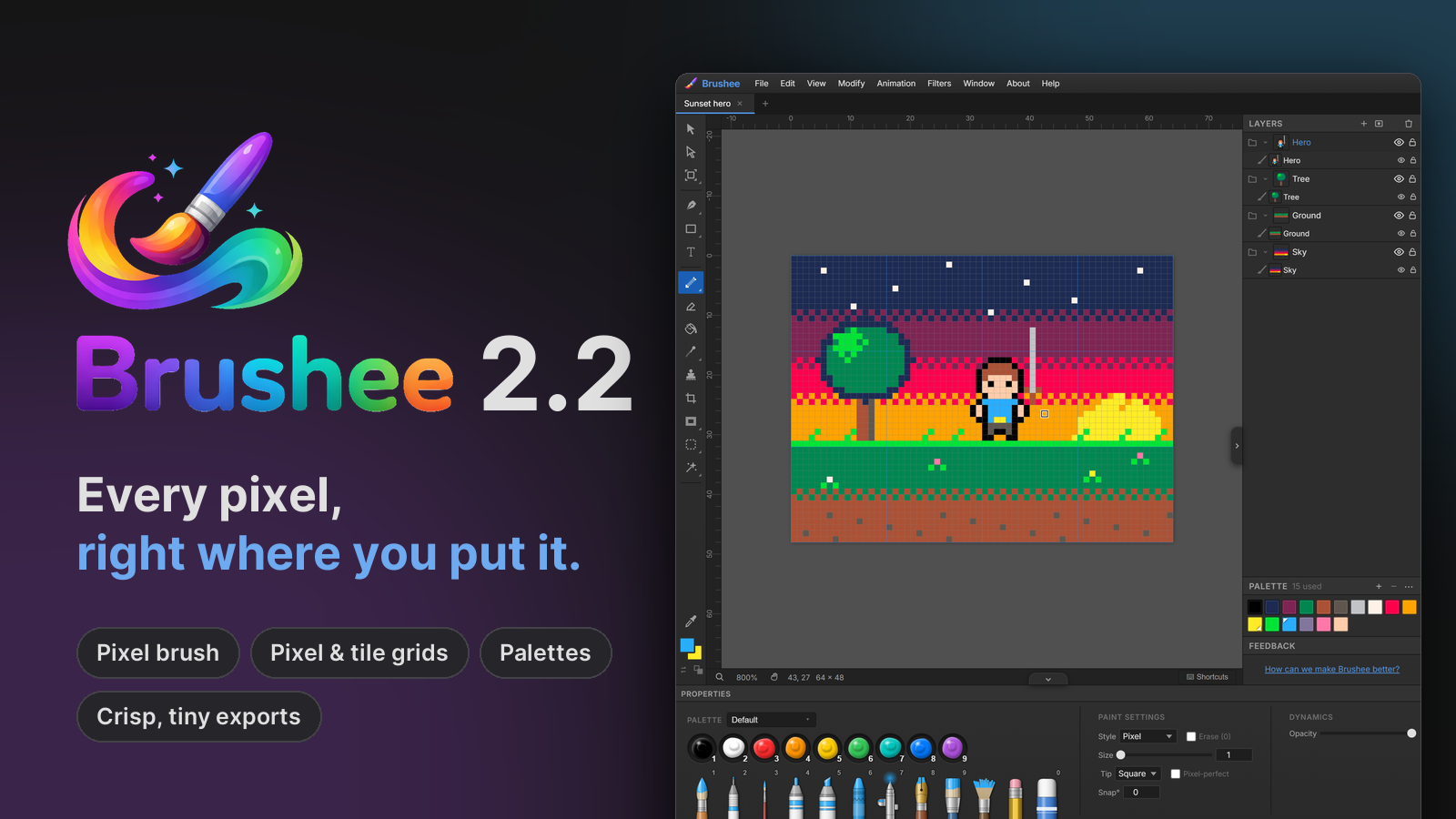
2.2 gives Brushee a pixel-art mode: a way of working where every pixel counts and stays exactly where you put it. Draw sprites, tiles, icons and game screens, animate them with the Timeline from 2.1, and export them crisp at any size.
Start a pixel-art document
File ▸ New Document Type… has a new Pixel Art & Games category:
- Sprites from 16 × 16 to 256 × 256, with a transparent background.
- Game Boy (160 × 144, with its four greens) and SNES (256 × 224) screens.
- Widescreen 320 and 480, which scale up to 1080p by whole numbers.
- Tilesets of 8, 16 and 32 pixel tiles, with the tile grid showing.
Tick Pixel art in the same dialog for any other size, or turn it on for a document you already have under Document in the Properties panel.
A pixel-art document opens big — a 32 pixel sprite fills the window — and pixels stay hard-edged at every zoom. Zooming steps through whole sizes only, 200%, 300%, 400% and on up, so every pixel stays the same size on screen. From 800% a fine grid outlines each pixel, and a blue grid marks your tiles.
The Pixel brush
The Pixel brush lays whole pixels, 1 to 64 wide, with a square or round tip. There's no antialiasing and no softness, and it fills in every pixel between where your pointer has been, however fast you move. Paint and the Eraser switch to it when you open a pixel-art document, and it's in the Paint flyout for any other.
- Pixel-perfect, when you tick it, leaves out the extra pixel at each corner of a 1-pixel line, so freehand lines step cleanly.
- The cursor outlines the exact pixels you're about to paint.
- Symmetry lands on exact pixels, for odd and even brush sizes alike.
Pixel shapes and the bucket
In a pixel-art document, Line, Rectangle and Ellipse draw
pixels rather than vector shapes: clean Bresenham lines, crisp boxes and
round, symmetric ellipses at every size, outlined or filled. Hold Shift
for 45° lines, squares and circles.
The Paint Bucket fills the open space around a drawing right out to the edges, and a new Contiguous box fills every pixel of a colour at once, joined up or not. Moves snap to whole pixels, and turning a sprite by a quarter turn turns its pixels themselves.
A palette for every document
A pixel-art document keeps its own palette of up to 256 colours, in a new Palette panel under Layers. Click a swatch to paint with it, right-click for the second colour, and drag to reorder. The panel counts the colours your drawing uses.
- Start from PICO-8, Sweetie 16, DawnBringer 16, Game Boy, CGA or 1-bit, or take the colours from your image.
- Import and export GIMP
.gpl,.hexlists (the format Lospec downloads), JASC.paland Adobe.aseswatches. Brushee reads the files you choose; it never goes looking for palettes online. - Replace Colour swaps one colour for another, and Reduce to Palette turns every pixel into its nearest palette colour, with optional dithering. Both work on every frame of an animation at once, as one step you can undo.
Crisp exports
Export a pixel-art document bigger — 400%, 800%, up to 1600% — and every pixel becomes a hard block, shapes and text included, exactly as the canvas shows them. A 32 pixel sprite at 800% is a sharp 256 pixel image.
PNGs with 256 colours or fewer are now saved as indexed PNGs: the same pixels in a fraction of the size. GIFs with 256 colours or fewer keep every colour exactly. Both work in every document, not just pixel art.
Also new
- Animated SVG (2.1.3). Export Animation writes SVG animations that stay sharp at any size, with tweens gliding between frames on their own easing. SVG export also keeps flips, gradients, blend modes and clip masks now.
- Hard pixels when zoomed in. Every document now shows its real pixels from 400% up, as graphics programs do, instead of smoothing them.
- Document Size (2.1.2) and an eyedropper loupe (2.1.1).
Learn more
The new Pixel Art guide covers it step by step, and Help ▸ Pixel Art has the details in the app. The full list of changes is in 2.2 and 2.1.3, and every release lands in the Atom feed and on the Updates page.
Brushee is still free, still needs no account, and still keeps your work on your own machine.